Files & everyday tools
Browse files in Vex, write notes, or use Vterm’s shell. Move files between vos and your computer through a shared folder.
 vos-desktop.net
Linux & Windows

A pixel-art virtual desktop.
Your own desktop in a window, with tools for writing code, drawing pixel art, managing files and playing games. Meet other users on vos’s own network.
Runs as an app on your existing operating system.
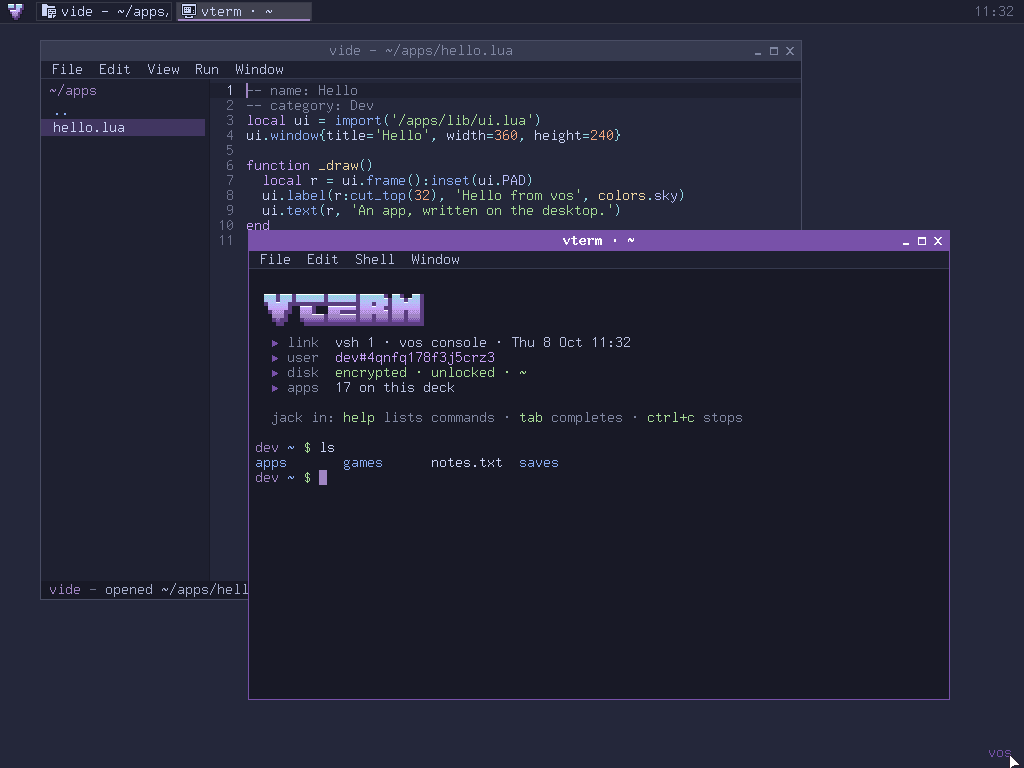
Browse files in Vex, write notes, or use Vterm’s shell. Move files between vos and your computer through a shared folder.
Write Lua and Python apps in Vide, or lay out an interface in Vform. Run your apps inside vos, with SQLite available for data.
Draw and animate in Vixel, with layers, palettes and sprite sheets. Play Vetris or make games using the supported LÖVE APIs.
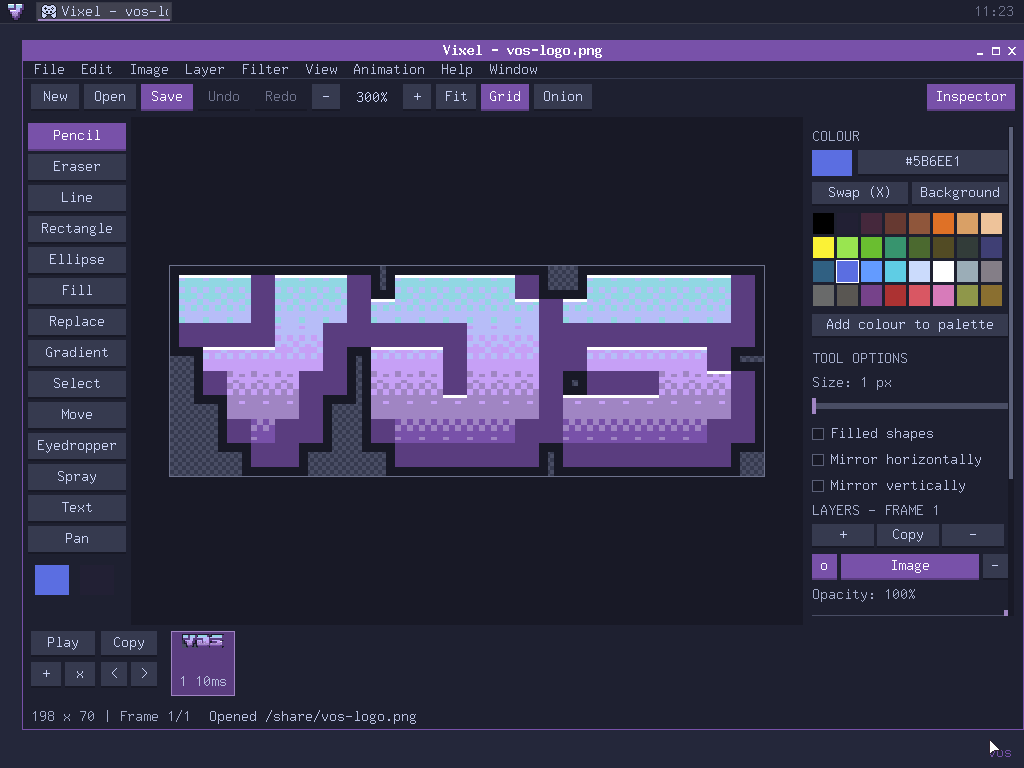
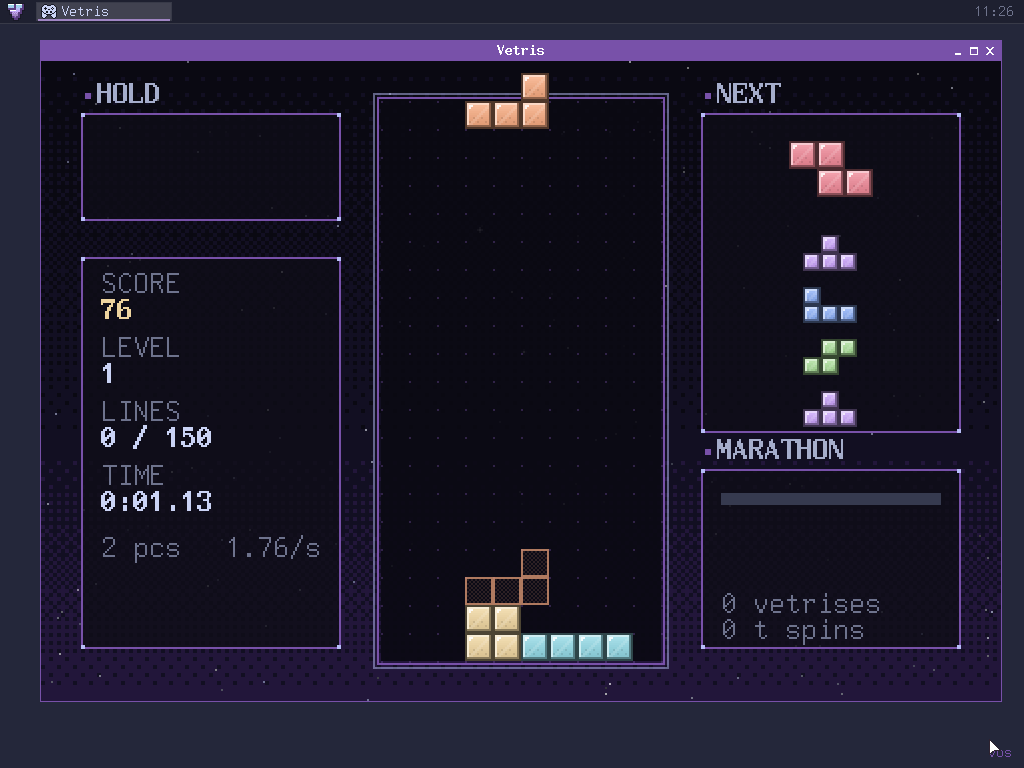
Your personal files are encrypted. Sign in with a password, keep a recovery key, and customise the desktop with your own wallpaper and taskbar settings.
Sites, chat and a BBS on vnet.
Vnet connects vos desktops through a shared hub. Your vos identity is used across its services, without a separate account for each one.
Vnet is separate from the public web. Connections to the hub are encrypted; messages are not yet encrypted end to end.
Choose a build for your computer.
64-bit desktop build.
Public download coming soon
64-bit · Windows 7 and later.
Public download coming soon
32-bit · Windows 7 and later.
Public download coming soon
On first launch, vos will guide you through creating your user and encrypted disk.